Every dollar explained
See the rule, rate, labor, parts, bonuses, and adjustments behind every commission.
Bring completed jobs into EarnedCrew, review each technician’s commission, and answer payout questions before payday. Built for small HVAC and plumbing shops.
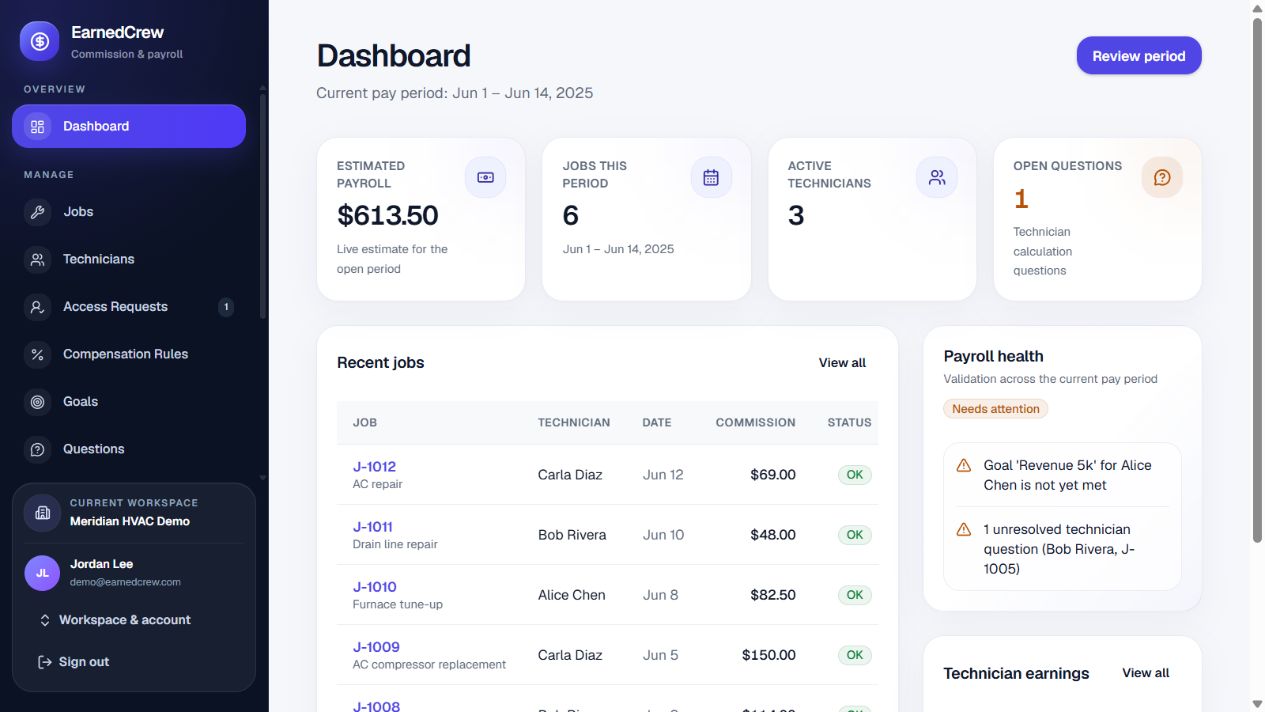
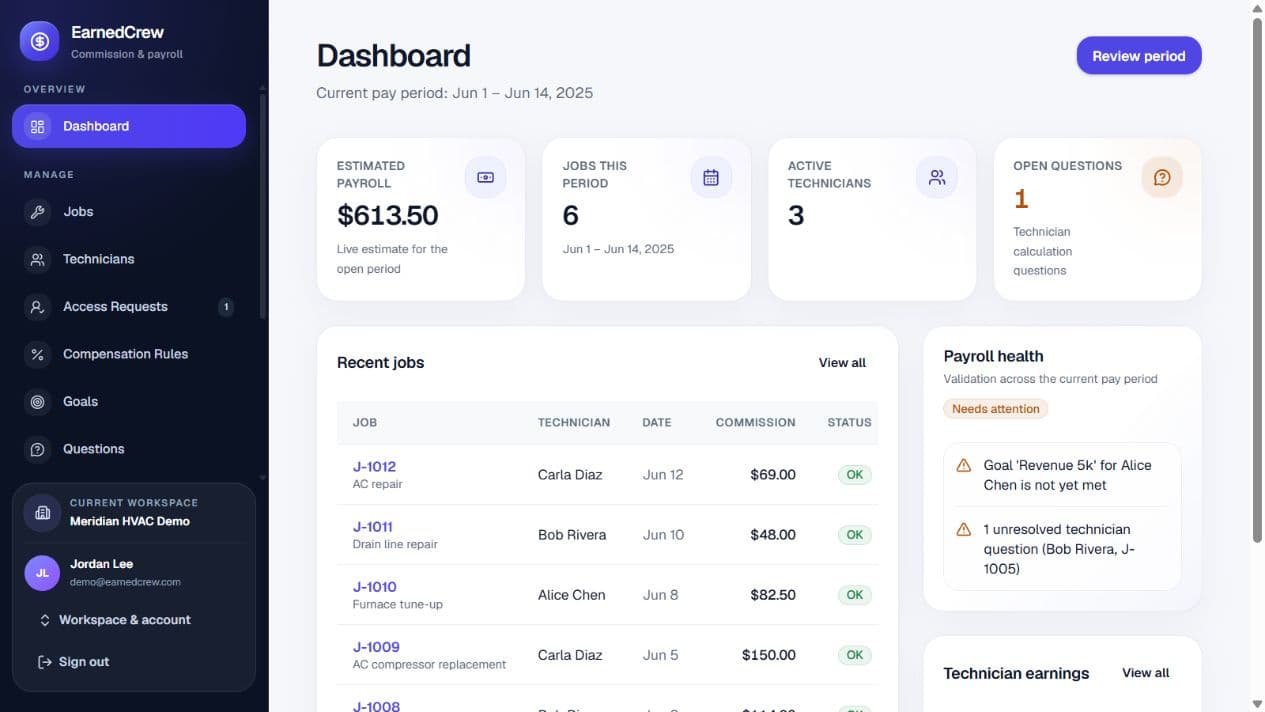
A better source of truth
Give owners control without leaving technicians in the dark. Each side sees the detail they need, powered by the same calculation.
See the rule, rate, labor, parts, bonuses, and adjustments behind every commission.
Catch missing data, open questions, and calculation issues before you finalize the period.
Finalized payout snapshots preserve exactly what was calculated and why.
See EarnedCrew in action
See how EarnedCrew takes you from scattered commission tracking to a clear, explainable payroll workflow for owners and technicians.
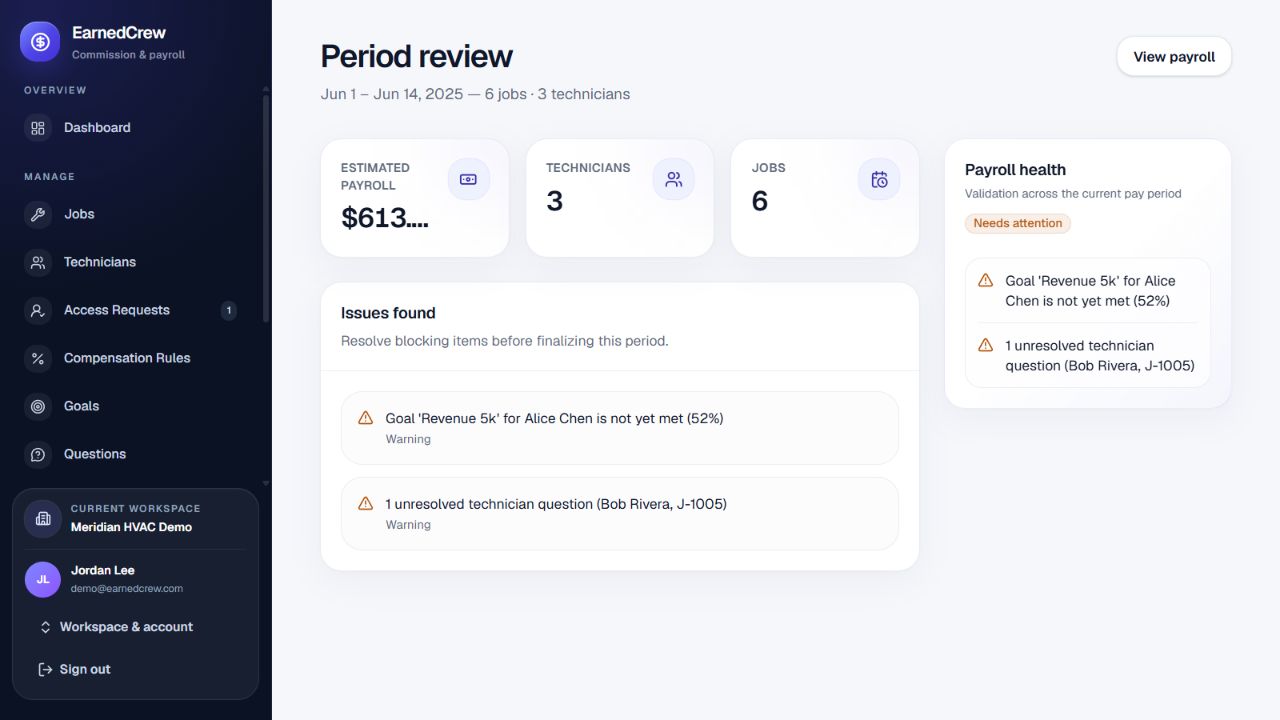
Built for the final review
Review payout totals, open technician questions, validation issues, and period health in one focused workspace.
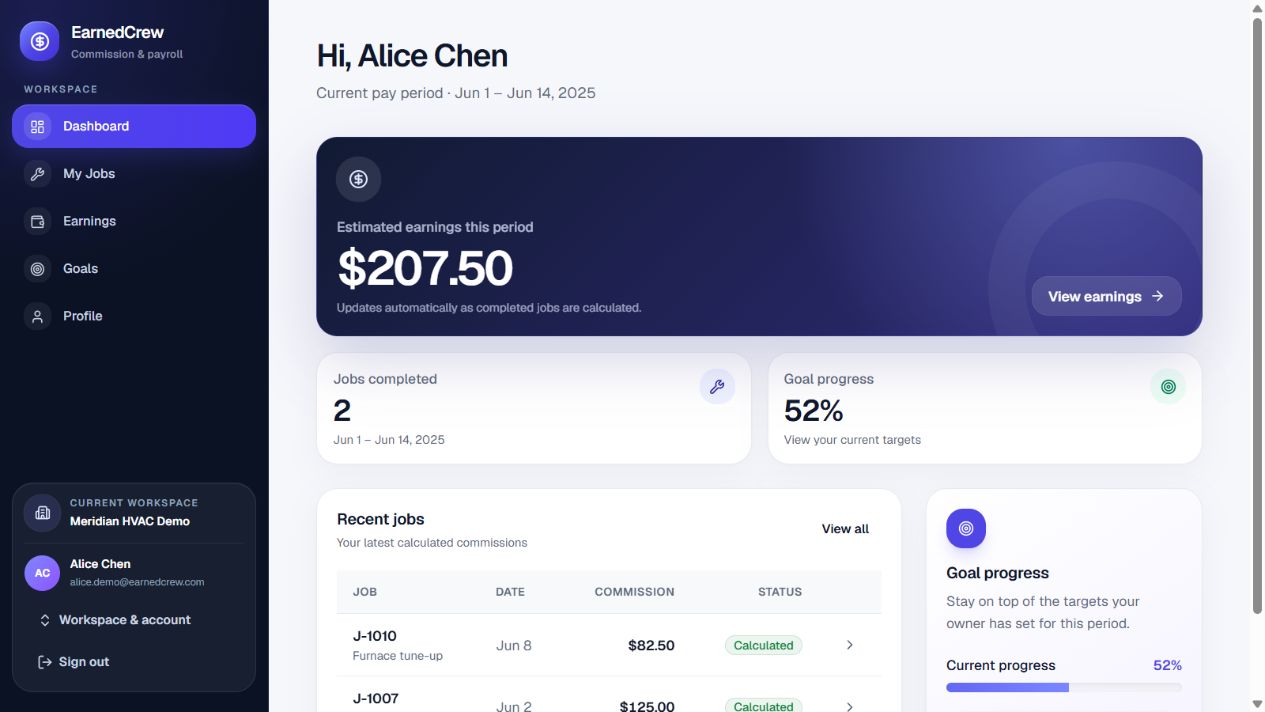
Clarity travels both ways
Give every technician a private view of current earnings, job details, goals, and the exact path from completed work to payout.
From completed job to final payout
Keep the process lightweight while preserving the controls that make commission records dependable.
Enter jobs directly or stage a CSV import with clear validation before anything is saved.
EarnedCrew applies the correct effective-dated rule and surfaces questions while the period is open.
Lock the payout details into an auditable snapshot and export the payroll-ready result.
Free tools & practical guides
Explore the math and build a clearer review process before bringing your team into a workspace.
Compare revenue and cost-based commission examples. No signup required.
Calculate a commissionDefine the commission base, record each job, and review exceptions before payroll.
Read the HVAC guideWork through parts, shared jobs, callbacks, and payout questions before closing the period.
Use the checklistFrequently asked questions
EarnedCrew keeps commission management focused: transparent calculations for your team and dependable records for payroll.
It gives service businesses one place to apply compensation rules to completed jobs, review technician earnings, and prepare accurate commission records for payroll.
Yes. Each technician gets a private view of job earnings, goals, payout history, and the calculation details behind every commission.
No. EarnedCrew calculates, reviews, and preserves commission records so your team can send clean, explainable totals into its existing payroll process.
Yes. Create a free workspace to set up your shop, add a technician, and explore the commission workflow before upgrading.
Your next pay period can feel different.
Create your shop workspace, invite your team, and give every payout a clear explanation.